
Navigation
HomeAbout us
BatchesCareerBlogEventsStudent CornerContact us
Logo
Home
About us
Courses
Batches
Career
Blog
Events
Student Corner
Contact us
Logo
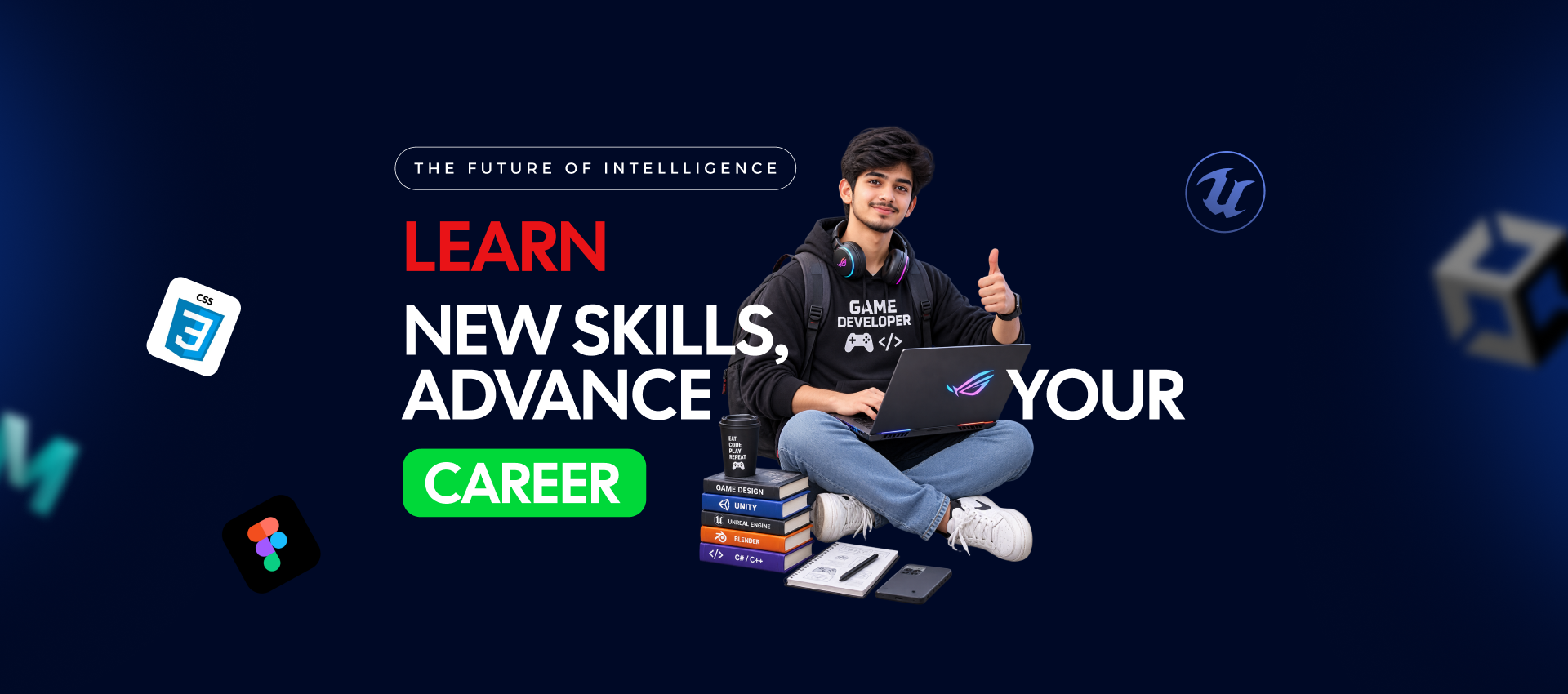
Learn new skills, advance your career - a student with a laptop giving a thumbs up, surrounded by Unity, Unreal Engine, Figma and CSS icons
Find your next skill. See the full path.

Explore The UpThrust industrial training programs in one place. Select a course to see its practical syllabus, project, tools and learning path.

Explore our Game Design industrial training programs, projects, and learning paths.

Choose a Course (5)

Game Art & Design Professional Program

1 Year . certification

Environment Art & Level Design

6 Months . certification

Character Animation & Rigging

6 Months . certification

3D Modeling & Texturing for Games

6 Months . certification

Real-Time VFX Art & Design

3 Months . certification

Course / Game Design

Character Animation & Rigging

Bring a game character to life through rigging and motion.

Specialization|Project-based learning
6 Monthscertification

About This Course

Build character controls, refine deformation and create animation cycles that can be used in a real-time engine.

What you will learn

  • Create a functional rig
  • Animate expressive movement
  • Plan joints around character movement
  • Refine skin weights and deformation
  • Create idle, walk and action cycles
  • Paint and test skin weights
  • Export animations for games
  • Build animator-friendly controls
  • Switch and test IK/FK controls
  • Export and validate animation in an engine

What you will build

Portfolio outcome : A rigged character and short animation reel with an engine-ready export.

Course curriculum

Explore the proposed learning sequence and project work.

  • Overview of Animation
  • Principles of Animation
  • Techniques for Different Animation Styles

Course journey

Each stage builds toward the final portfolio outcome.

Stage 1

Character Preparation

Stage 2

Rig Controls

Stage 3

Motion Cycles

Stage 4

Export and Reel

Tools and prerequisites

Entry: Entry: Basic 3D modelling knowledge is recommended.

Tools: Tools: Blender or the approved rigging package; game engine for export validation.

How your work is reviewed

Functional rig, animation cycles, and review of deformation.

Possible direction: Possible direction: Junior character rigger or game animator pathway.

Who should join?

For aspiring character artists and animators, some 3D familiarity is useful.

Related pathways

Game Art & Design Professional Program→Environment Art & Level Design→Real-Time VFX Art & Design→3D Modeling & Texturing for Games→
Character Animation & Rigging

Character Animation & Rigging

Book Your SeatBook your seat arrow icon

DURATION

6 Months

COURSE AREA

Game Design

LEARNING OUTCOME

A rigged character and short animation reel with an engine-ready export.

Ready to Transform Your Tech Career?

Join 1,024+ Graduates Earning ₹3-8 LPA
100% Job Placement Guarantee

Got Questions? We’ve Got Answers.

Frequently AskedQuestions

Everything you need to know about the curriculum, schedule, prerequisites, and career assistance.

Get Weekly Career Tips

Practical game development and marketing tips in your inbox every week.
Subscriber 1Subscriber 2Subscriber 3
5K learners subscribe
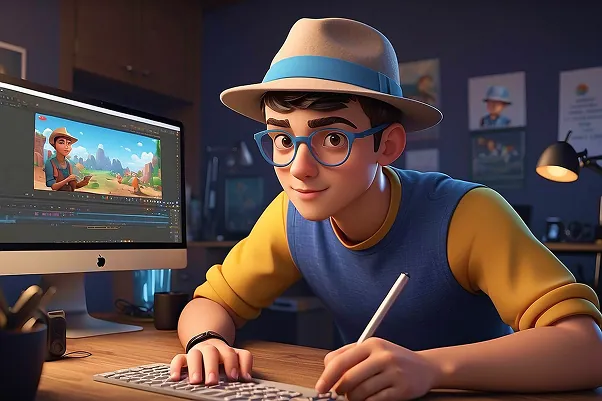
3D Character working at computer

Let's start together.

Upthrust

Get a clear roadmap to a game development or digital marketing career. Ask us about courses, fees, batches and admission online or in Indore.

Useful Links

  • Home
  • About
  • Career
  • Events
  • Contact Us

Course Category

  • Web & App
  • Game Development
  • Digital Marketing
  • AI & Emerging Skills
  • Design & Creative
  • Game Design

Contact

+91 93997 86885
admissions@theupthrust.com
10/2, 2nd Floor, Shree Mahadeo House, near Hotel Surya, South Tukoganj, Indore, (M.P.) 452001
social-iconsocial-iconsocial-iconsocial-iconsocial-icon

Enquire About a Course

© 2026 TheUpThrust. All Rights Reserved.

|
Privacy Policy|Terms & Conditions