Navigation
HomeAbout us
Courses
BatchesPlacementCareerBlogEventsStudent CornerFree Counselling
Logo
Home
About us
Courses
Batches
Placement
Career
Blog
Events
Student Corner
Free Counselling
Logo
BLOG

UI/UX & Graphics Design

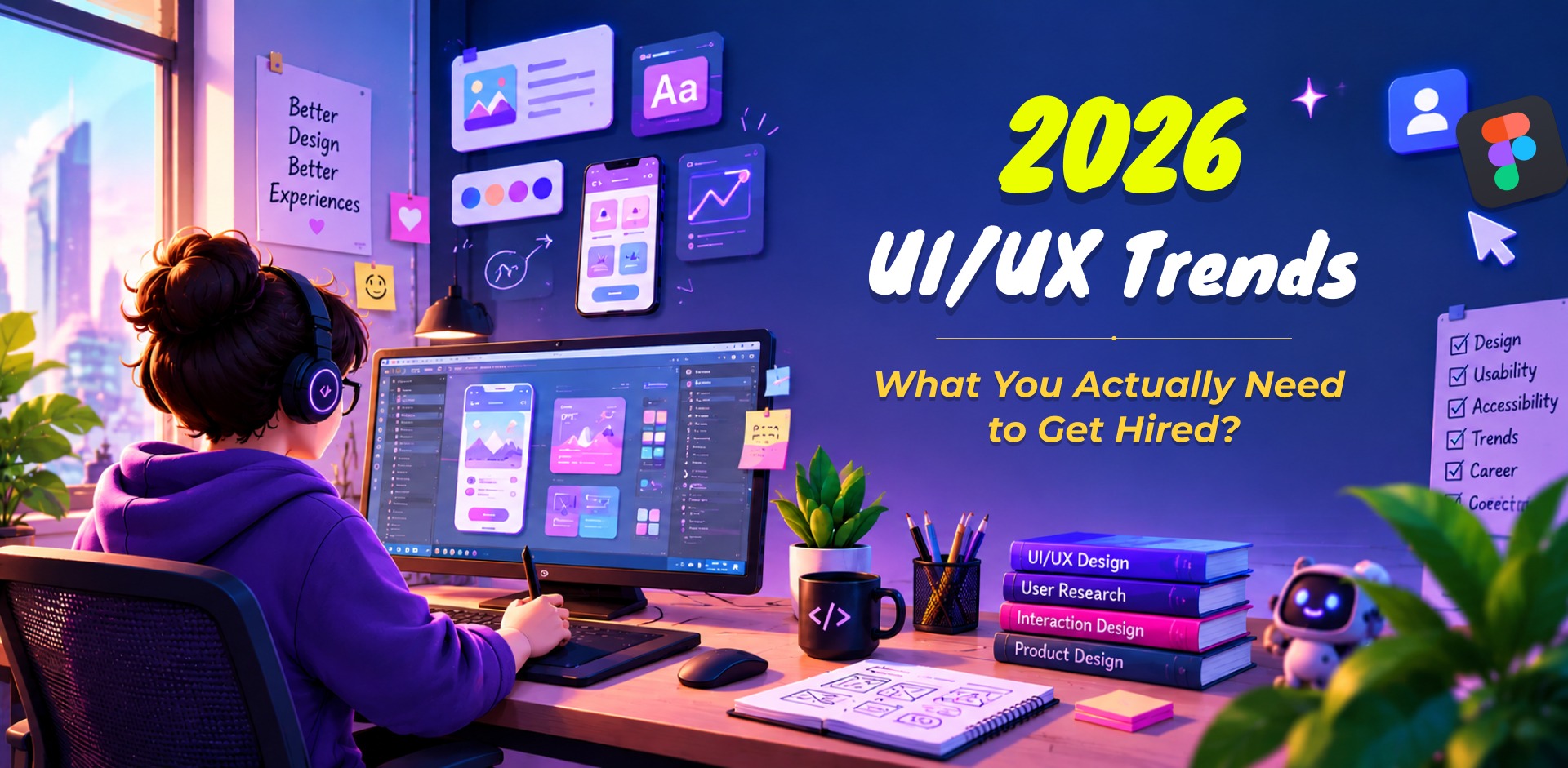
2026 UI/UX Trends: What You Actually Need to Practice to Get Hired

Explore the top 2026 UI/UX design trends and the exact skills students must practice to build a hire-ready portfolio and launch a high-growth career. Enroll now!

2026 UI/UX Trends
user

BY: Admin

18 February 2026•5 min read

Hey there, future designers!

If you are reading this, you are probably already curious about the world of UI/UX. Maybe you’ve seen some cool app designs on Instagram, or perhaps you’re the person who gets annoyed when a website button is too small to click. If that’s you, welcome to the club! You’re already thinking like a designer.

But here is the thing: the world of design is moving fast. Really fast. By the time we hit the quarter of 2026, the way we use our phones, watches, and even our home appliances is going to feel very different. If you are a student right now, you might be wondering, "What should I actually learn? Do I just need to make things look pretty?"

The short answer? No. In 2026, "pretty" is the bare minimum. Companies are looking for designers who can solve problems, think ahead, and work alongside new technology.

At The Upthrust, we always want our students to be a step ahead of the rest. So, let’s sit down and talk about the biggest trends coming in 2026 and, more importantly, what you should start practicing today to make sure your portfolio stands out.

"Zero UI" and the Rise of Voice

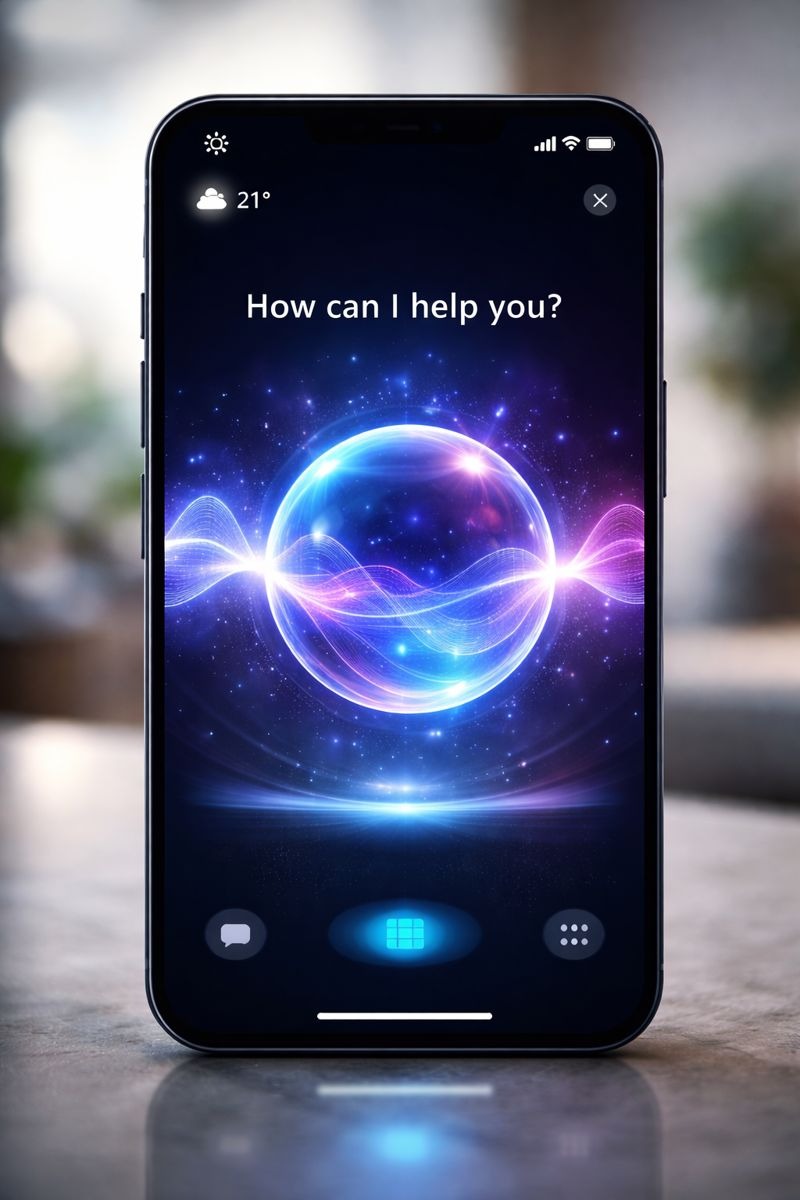
Think about how you use a smart speaker or a voice assistant on your phone. You don't "click" anything, right? You just talk. This is what we call Zero UI.

In 2026, more people will interact with technology without even looking at a screen. Maybe they are driving, cooking, or just walking down the street. As a designer, your job is moving beyond just "how it looks" to "how it sounds and feels." You aren't just designing screens anymore; you’re designing conversational flows.

What Students Should Practice: Try this exercise: Pick a simple task, like ordering a pizza or checking a bank balance. Now, try to "design" how a user would do that using only their voice.

  • What does the app say to greet them?

  • If the app doesn't understand the user, how does it ask for help politely?

Write down these conversations like a script for a movie. This is called Conversation Design, and it’s a massive skill to have in 2026 because it teaches you how to keep things simple and human.
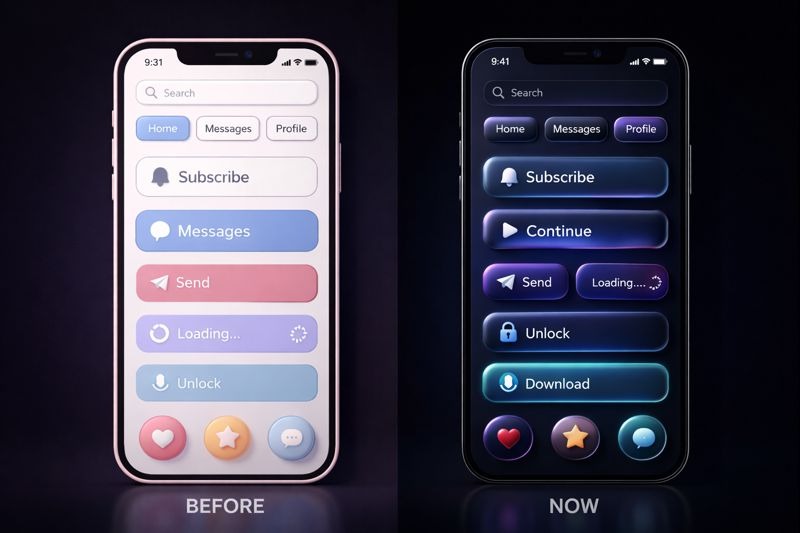
 

2026 UI UX trends showcasing modern app interface design and user experience elements

Tactile Maximalism: The "Squishy" Web

For years, design was "flat." Everything was thin lines and white backgrounds. But in 2026, we are seeing a comeback of Tactile Design. People are tired of cold, flat screens; they want digital elements that look like they belong in the real world.

We’re talking about buttons that look like they’re made of jelly, clay, or glass. When you "press" them, they don't just change color, they might "squish" or bounce back. It makes the digital world feel much more friendly and fun to touch.

What Students Should Practice: Open up Figma and stop using flat colors for a day. Experiment with:

  • Inner Shadows: To make buttons look like they are pressed into the screen.

  • Gradients and Blurs: To create that "Glassmorphism" (see-through glass) effect.

  • Micro-animations: Practice making a button "wobble" slightly when a user hovers over it.

The goal here isn't to make things messy, it’s to make them touchable.


2026 UI UX trends showcasing modern app interface design and user experience elements

Designing for "The Big Screen" (Spatial UI)

With more people using AR (Augmented Reality) glasses and headsets in 2026, designers have to think outside the rectangle of a phone. In Spatial UI, your canvas is the entire room.

Imagine a shopping app where, instead of scrolling through photos, the user can "place" a virtual chair in their real living room to see if it fits. This requires a different way of thinking about depth, light, and shadows.

What Students Should Practice: You don't need a $3,000 headset to practice this. Start by thinking in 3D layers.

  • When you design a card in your UI, think: If this was floating in front of me, how far away would it be?  How does the shadow change if the user moves their head?

Learning how to use 3D elements in your designs will make you a "unicorn" in the job market, someone who can design for the future, not just for today.


2026 UI UX trends showcasing modern app interface design and user experience elements

Ethical Design & "Digital Wellbeing"

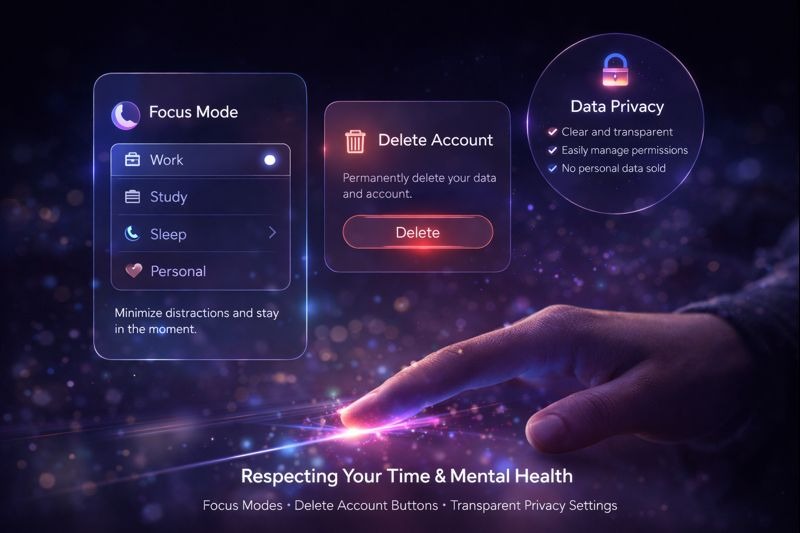
In 2026, users are smarter. They are tired of "dark patterns", those annoying tricks websites use to make you buy something or stay on the app longer than you want. Companies are now hiring designers who prioritize Ethical UX.

This means designing apps that respect the user's time and mental health. Features like "Focus Modes," easy-to-find "Delete Account" buttons, and transparent data privacy settings are the new gold standard.

What Students Should Practice: Audit your own favorite apps. Look for things that feel "sneaky" or "addictive."

  • Does the app send too many notifications?

  • Is it hard to cancel a subscription?

Now, try to redesign that flow to be honest. Practice writing "Micro-copy", those little bits of text on buttons, that are clear and helpful, rather than pushy or confusing.


2026 UI UX trends showcasing modern app interface design and user experience elements

The "Bento Grid" Layout: Organizing the Chaos

If you’ve seen the latest Apple updates or looked at a modern portfolio, you’ve probably noticed a trend where information is packed into neat, rounded boxes of different sizes. This is called a Bento Grid (named after the Japanese lunch box).

In 2026, this is the #1 way to show a lot of information without making the user feel overwhelmed. It’s clean, it’s organized, and it looks great on both a massive desktop screen and a tiny phone.

What Students Should Practice: Don’t just put things in a straight line. Start practicing "Visual Hierarchy" within a grid.

  • Take a complex dashboard (like a fitness tracker) and try to fit it into a Bento Grid.

  • Make the most important data (like "Steps Taken") a large rectangle, and smaller info (like "Water Intake") a small square.

  • Focus on keeping the "Gutter" (the space between the boxes) exactly the same size everywhere. This is what makes the design look professional.

Accessibility is No Longer "Extra", It’s the Law

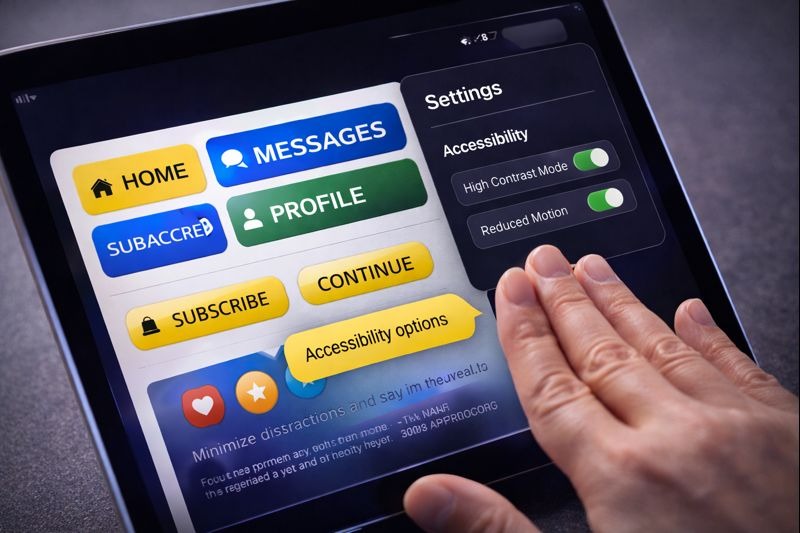
Back in the day, designers used to think about accessibility (making apps usable for everyone, including those with disabilities) as an afterthought. In 2026, it’s a core part of the job. If your app isn’t accessible, it’s considered a "broken" design.

We are seeing a move toward Neuro-inclusion. This means designing for people who might have ADHD, dyslexia, or color blindness. It’s about making sure your design doesn’t "scream" at the user with too many flashing lights or confusing fonts.

What Students Should Practice: Download a "Color Contrast Checker" for Figma.

  • Every time you pick a color for text, check if it’s easy to read against the background.

  • Practice designing "Focus Modes", where a user can turn off distracting animations or simplify the layout with one click.

  • Stop using "Click Here" for buttons. Instead, use "Download PDF" or "Join the Class." This helps people using screen readers understand exactly what will happen.


2026 UI UX trends showcasing modern app interface design and user experience elements

Micro-interactions: The Secret to "Premium" Apps

Have you ever noticed how some apps just feel "expensive"? It’s usually because of Micro-interactions. These are the tiny animations that happen when you perform a task, like the way a heart "pops" when you like a photo or the way a switch "slides" smoothly when you turn it on.

In 2026, these aren't just for fun; they are used to give the user feedback. It tells them, "Yes, the app heard you, and it’s working on it."

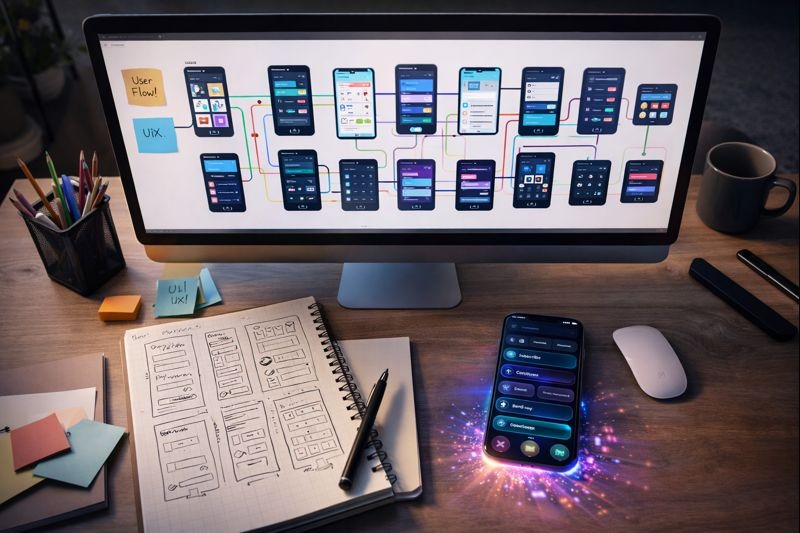
What Students Should Practice: Learn the basics of "Prototyping" in Figma or Adobe XD.

  • Don't just link Screen A to Screen B.

  • Spend time on the "Smart Animate" feature.

  • Practice making a "Success" button. When the user clicks it, can it turn into a green checkmark? Does it vibrate slightly?

These small details are what will make your portfolio look like it was made by a senior designer.

The Big Question: How Do You Stay Ahead?

We’ve talked about a lot of trends, from 3D spaces to voice commands and bento grids. It can feel like a lot to learn. But here is a secret: you don't need to be a master of everything on day one.

In 2026, the best designers are the ones who are curious. They don't just follow trends because they look "cool" on Dribbble; they ask, "Does this actually make the app easier to use?"

This is exactly what we focus on at The Upthrust. We don't just teach you which buttons to click in a software; we teach you how to think. We want you to understand the "why" behind the design so that no matter how much technology changes, you are always ready.


2026 UI UX trends showcasing modern app interface design and user experience elements

Looking Even Further: UI in 2030 and Beyond

If 2026 is about screens becoming more "tactile" and "voice-friendly," what happens after that? By 2030, we are looking at a world of Ambient Design.

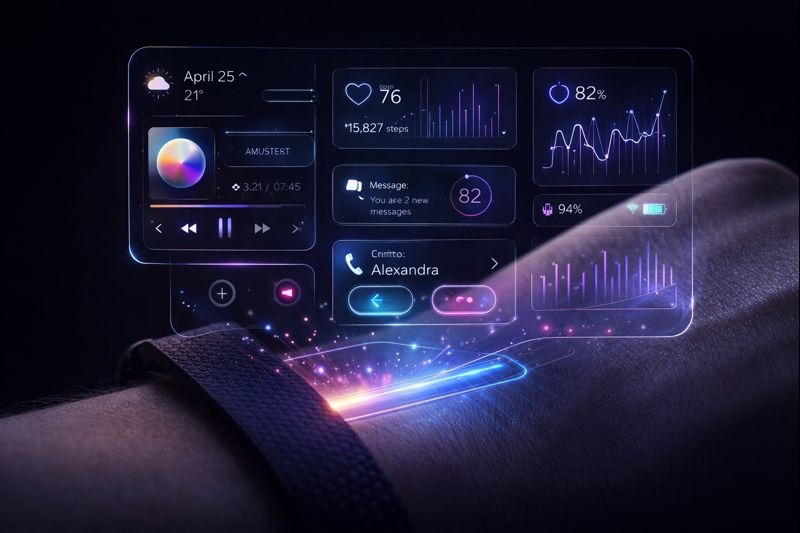
This means the "interface" as we know it might start to disappear. Instead of looking at a glass rectangle in your hand, you might interact with digital information projected onto your glasses, your desk, or even through subtle vibrations in your smartwatch. We call this Invisible UI.

As a student, this shouldn't scare you, it should excite you! It means the world will always need people who understand how humans think and how to make technology feel "natural" rather than "robotic." The "UI" might change from a button to a hand gesture, but the "UX" (the experience and the feeling) will always be the most important part.

Why The Upthrust is Your Best Starting Point

The world of 2026 and 2030 sounds like a lot to handle, doesn't it? You might be thinking, "How am I supposed to learn 3D design, accessibility, voice interfaces, and bento layouts all at once?"

That’s exactly why The Upthrust exists.

We don’t believe in just giving you a certificate and saying "good luck." Our training is built on three main pillars that prepare you for the real world:

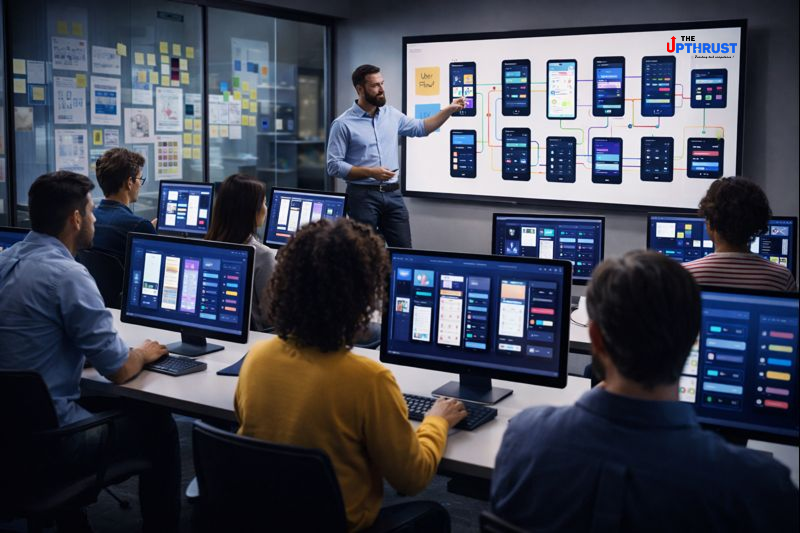
  • Hands-on Projects: You won’t just read about "Bento Grids", you will build them. You won't just hear about accessibility, you will audit real apps to fix them.

  • Expert Mentorship: Our instructors aren't just teachers; they are industry pros who have seen these trends happen in real-time. They know what hiring managers are looking for in 2026.

  • A Career-First Mindset: We focus on the skills that actually get you hired. Whether it's mastering Figma prototypes or learning how to explain your design decisions to a client, we make sure you are "job-ready" from day one.


2026 UI UX trends showcasing modern app interface design and user experience elements

Final Thoughts: Your Future Starts with One Pixel

Design is one of the few careers where you can truly blend art, psychology, and technology. It’s a career that allows you to help people every single day by making their lives just a little bit easier.

The trends of 2026 are already starting to show up in the apps you use today. The question is: do you want to just use those apps, or do you want to be the one designing them?

Don’t wait for the future to happen, be the one who builds it.

Ready to start your UI/UX journey? Check out our latest batches at The UpThrust and let’s turn your creativity into a high-growth career. Whether you’re a complete beginner or looking to upgrade your skills for 2026, we have a seat waiting for you.

Explore UI/UX Courses at The UpThrust. Talk to a Career Counselor Today!

2026 UI UX trends showcasing modern app interface design and user experience elements

Start Your Game Dev Journey

Book a free counselling session with our mentors

Placement Support & Interview Prep
Book a Free Counselling CallEnroll today arrow iconChat on WhatsApp

Content List


  • "Zero UI" and the Rise of Voice
  • Tactile Maximalism: The "Squishy" Web
  • Designing for "The Big Screen" (Spatial UI)
  • Ethical Design & "Digital Wellbeing"
  • The "Bento Grid" Layout: Organizing the Chaos
  • Accessibility is No Longer "Extra", It’s the Law
  • Micro-interactions: The Secret to "Premium" Apps
  • The Big Question: How Do You Stay Ahead?
  • Looking Even Further: UI in 2030 and Beyond
  • Why The Upthrust is Your Best Starting Point
  • Final Thoughts: Your Future Starts with One Pixel

Related Course

  • 2D - 3D Game Development ( Unity )
  • AI-Powered Digital Marketing
  • AI-Augmented UI-UX Design

Related Blogs

Explore trending topics and fresh ideas. Grow your knowledge with every article.

Ready to Transform Your Tech Career?

Join 1000+ Graduates Building Digital & Gaming Careers
Placement Support & Interview Prep

Get Weekly Career Tips

Practical game development and marketing tips in your inbox every week.

Subscriber 1Subscriber 2Subscriber 3
5K learners subscribe
3D Character working at computer

Let's start together.

Upthrust

The UpThrust is a leading technology education and skill development institute in Indore, offering industry-focused training and certification programs in Game Development, Artificial Intelligence (AI), Digital Marketing, Web Development, AR/VR, UI/UX Design, and other emerging technologies.

Useful Links

  • Home
  • About
  • Career
  • Events
  • Contact Us

Course Category

  • Web & App
  • Game Development
  • Digital Marketing
  • AI & Emerging Skills
  • Design & Creative
  • Game Design

Contact

+91 93997 86885+91 62640 09962
admissions@theupthrust.com
10/2, 2nd Floor, Shree Mahadeo House, near Hotel Surya, South Tukoganj, Indore, (M.P.) 452001
social-iconsocial-iconsocial-iconsocial-iconsocial-icon

Enquire About a Course

+91

© 2026 TheUpThrust. All Rights Reserved.

|
Privacy Policy|Terms & Conditions